Promote changes between environments
Run a separate Infrahub instance for each environment from one Git repository, and move changes from one environment to the next. This guide covers the promotion — taking a change that is already developed on one environment and landing it on the next. To develop and land a change on a single instance, see develop changes from a Git repository; for the concepts, see multiple environments from a single repository.
The example uses two environments — development (imports the develop branch) and production (imports the main branch) — but the steps repeat for any number.
Prerequisites
- One Infrahub instance per environment, each with the repository connected as a read-only repository pinned to that environment's Git branch —
developon development,mainon production (see connect a repository). - A change already developed and merged onto the development instance's
main(see develop changes from a Git repository).
Register the repository
Connect the repository on each instance as a read-only repository, setting ref to that environment's Git branch.
mutation {
  CoreReadOnlyRepositoryCreate(data: {
    name: { value: "infra" }
    location: { value: "https://github.com/<org>/<repo>.git" }
    ref: { value: "develop" }          # "main" on the production instance
    credential: { id: "<credential-id>" }
  }) { ok }
}
Each instance's main keeps its ref on its environment branch from here on; promotion advances the imported commit, never the ref.
Promote a change
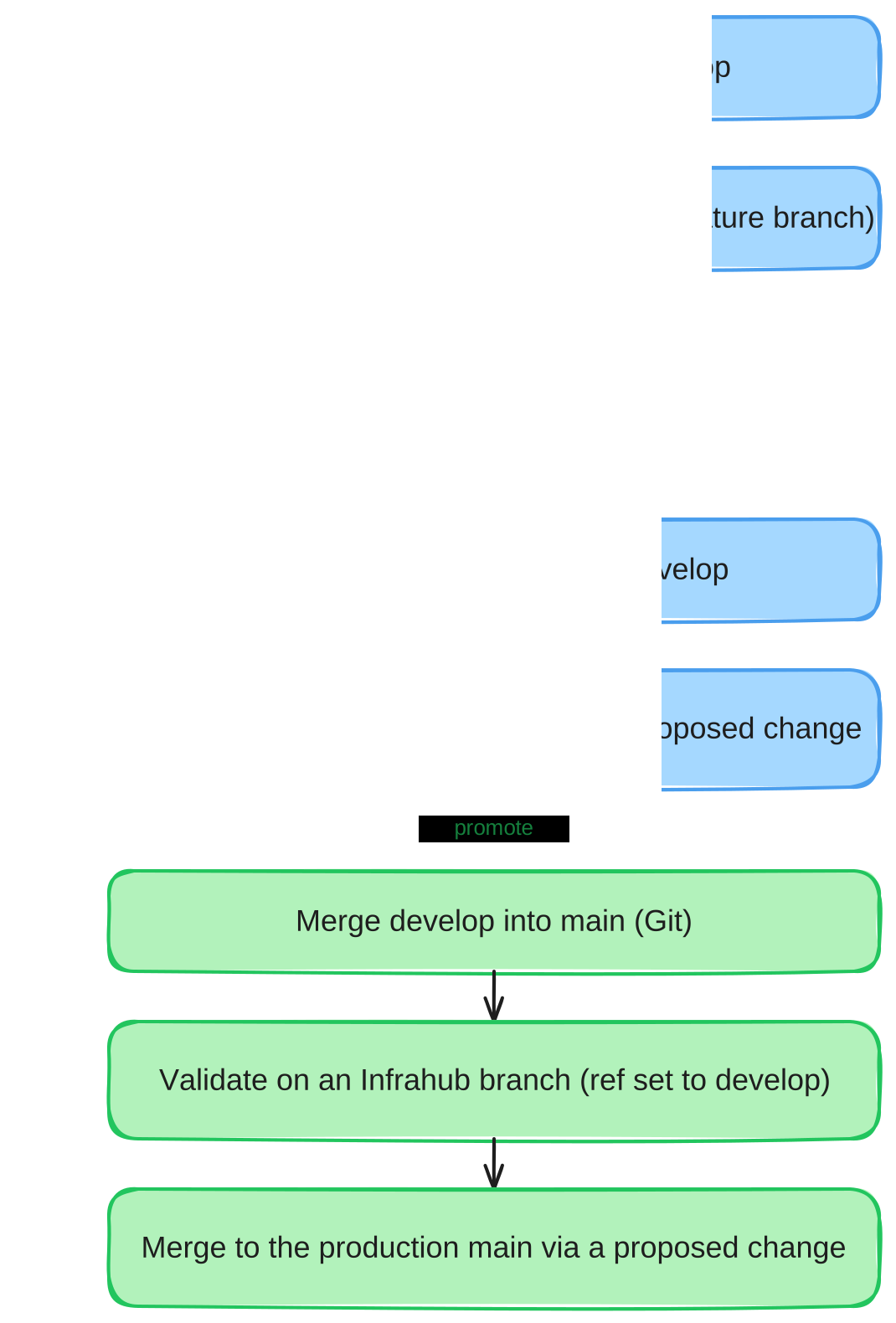
A promotion is a Git merge into the next environment's branch, then an import on that environment's instance. The instance-side steps are the same ones you use to develop a change — the change comes from the upstream branch instead of a feature branch.
- On your Git host, open a pull request from the source branch to the next (for example
develop→main) and merge it. The target branch's head now holds the change. - On the target instance, land the merged change through an Infrahub branch, exactly as in Develop changes, Step 3: create a branch, run Import latest commit (its
refis already the target branch), open a proposed change tomain, review, and merge.
To catch problems before the Git pull request merges, validate first: import the source branch onto a throwaway Infrahub branch (set its ref to the source branch) and check it there — see Develop changes, Step 2.
Repeat the hop for each environment in the chain (for example develop → staging → main).
Lower environments drift from production over time, so a clean import there does not prove the change applies cleanly to production — and a proposed-change merge that fails partway leaves main in an unexpected state, with no clean rollback. Before promoting production, rehearse the promotion against a pre-production instance restored from a current database backup. See reaching production safely.
Automate the promotion (optional)
The manual steps above are the supported path. Automating the Infrahub side is possible, but treat what follows as inspiration to adapt, not a turnkey pipeline, and keep production promotions manual until you have validated your own automation end to end.
An automated gate follows the same pattern: on a Git pull request into an environment branch, CI creates an Infrahub branch, imports the change onto it, opens a proposed change, and blocks the pull request — as a required status check — until the proposed change's checks pass. Checking those from CI uses the proposed change's validations, where each reports a state (queued, in_progress, completed) and a conclusion (unknown, failure, success):
query {
  CoreProposedChange(ids: ["<proposed-change-id>"]) {
    edges { node {
      validations { edges { node {
        display_label
        state { value }
        conclusion { value }
      } } }
    } }
  }
}
Poll until every validation's state is completed, then fail the CI job unless every conclusion is success. Store each instance's address and an API token as CI secrets, and authenticate with the X-INFRAHUB-KEY header.
Related
- Develop changes from a Git repository — the single-instance workflow this builds on
- Multiple environments from a single repository — the concepts behind this pattern
- Connect a repository — repository registration in depth
- Proposed changes — the review workflow used inside each instance